Flagship — Pro tier
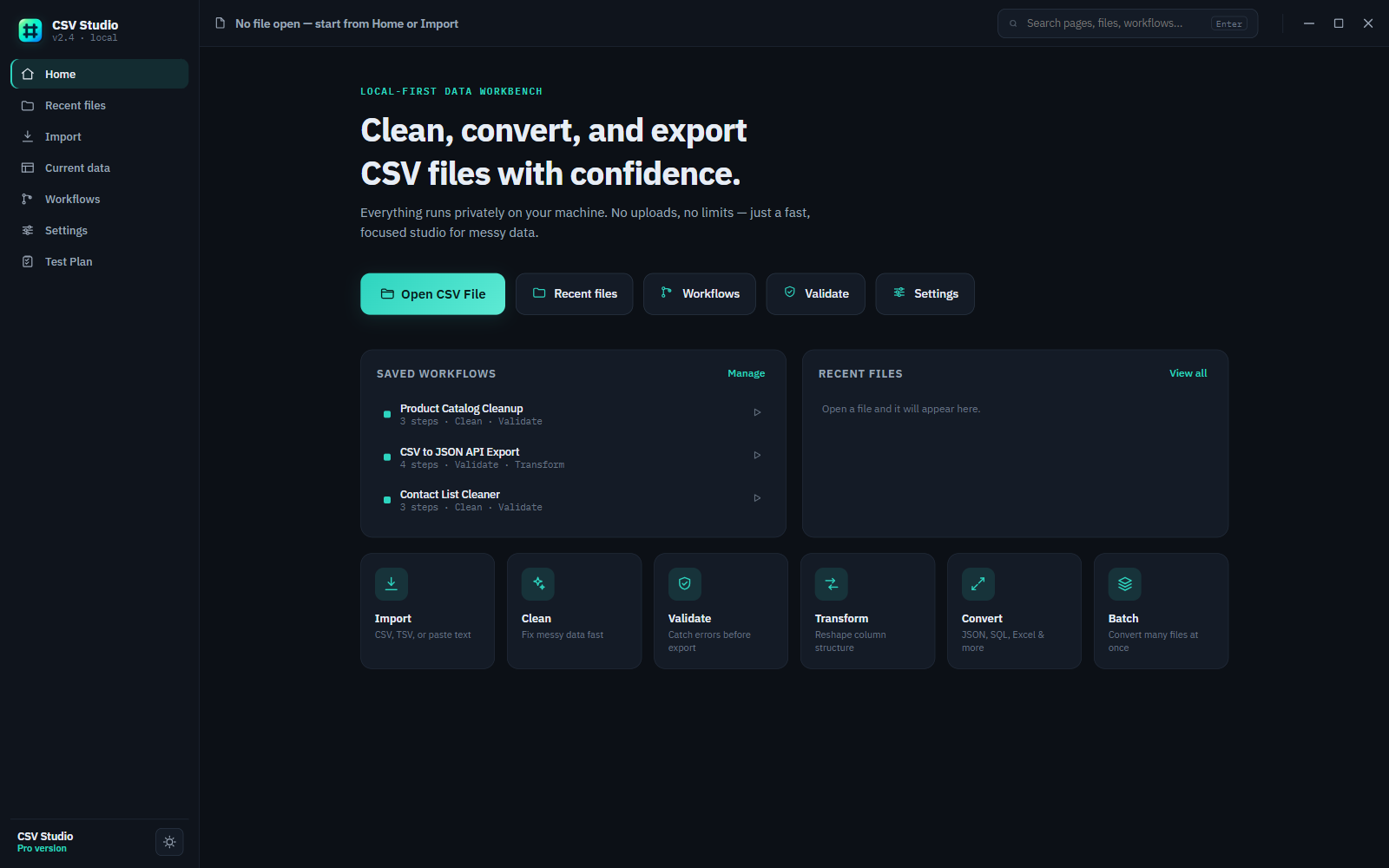
CSV Studio Pro
The full toolkit for messy spreadsheet data on Windows — cleaning, validation, transforms, and conversion in one desktop app.
- Custom regex validation rules with a full error report you can export and hand to whoever owns the source data
- Column merge, split, computed columns, regex extraction, JSON nesting, and grouping — reshape a file without a script
- Export to JSON, Excel, SQL, YAML, XML, Markdown, and CSV, with ZIP and split-file output for large jobs
- Batch-convert an entire folder at once, and save multi-step workflows to replay on the next file that lands the same way
- Agent-ready — CSV Studio ships an MCP server, so an AI coding agent can run the same pipeline from the command line
View product details →
Free tier
CSV Studio Free
The everyday toolkit — open, clean, validate, transform, and export a CSV or TSV file locally, no card required. Same download as Pro; a license key unlocks the rest.
- CSV and TSV import with a real table view — sort, filter, and edit cells inline before you export anything
- Data cleaning: trim whitespace, drop blank or duplicate rows, normalize casing, dates, and quotes
- Validation for missing values, duplicate IDs, malformed emails, and inconsistent dates, with a suggested fix for each
- Column rename, reorder, and remove, plus JSON and CSV export
Compare Free vs Pro →
Is Free actually usable, or is it just a demo?
It's a real tier, not a trial. Free covers the everyday work — import, clean, validate, and basic export — with no time limit and no nag screens.
When do I actually need Pro?
When you're reshaping data (merging or splitting columns, computed fields, JSON nesting) rather than just cleaning it, when you need a format beyond JSON/CSV, or when you're running the same job across many files instead of one.
Can an AI agent use CSV Studio directly?
Yes — CSV Studio Pro ships an MCP server alongside the desktop app, so tools like Claude Code can inspect, clean, validate, transform, and convert files through the same engine the app uses. See the product page for setup.